Text & Design Studio
Adding text
The Text tab offers four quick presets — Heading, Subheading, Body, Caption — that drop a ready-styled text element on the canvas. Edit the content inline and style it in the inspector:
- 30 searchable Google Fonts, size, weight (300–900), italic
- Letter spacing, line height, alignment (left/center/right/justify)
- Color and text shadow (blur, spread, offset)
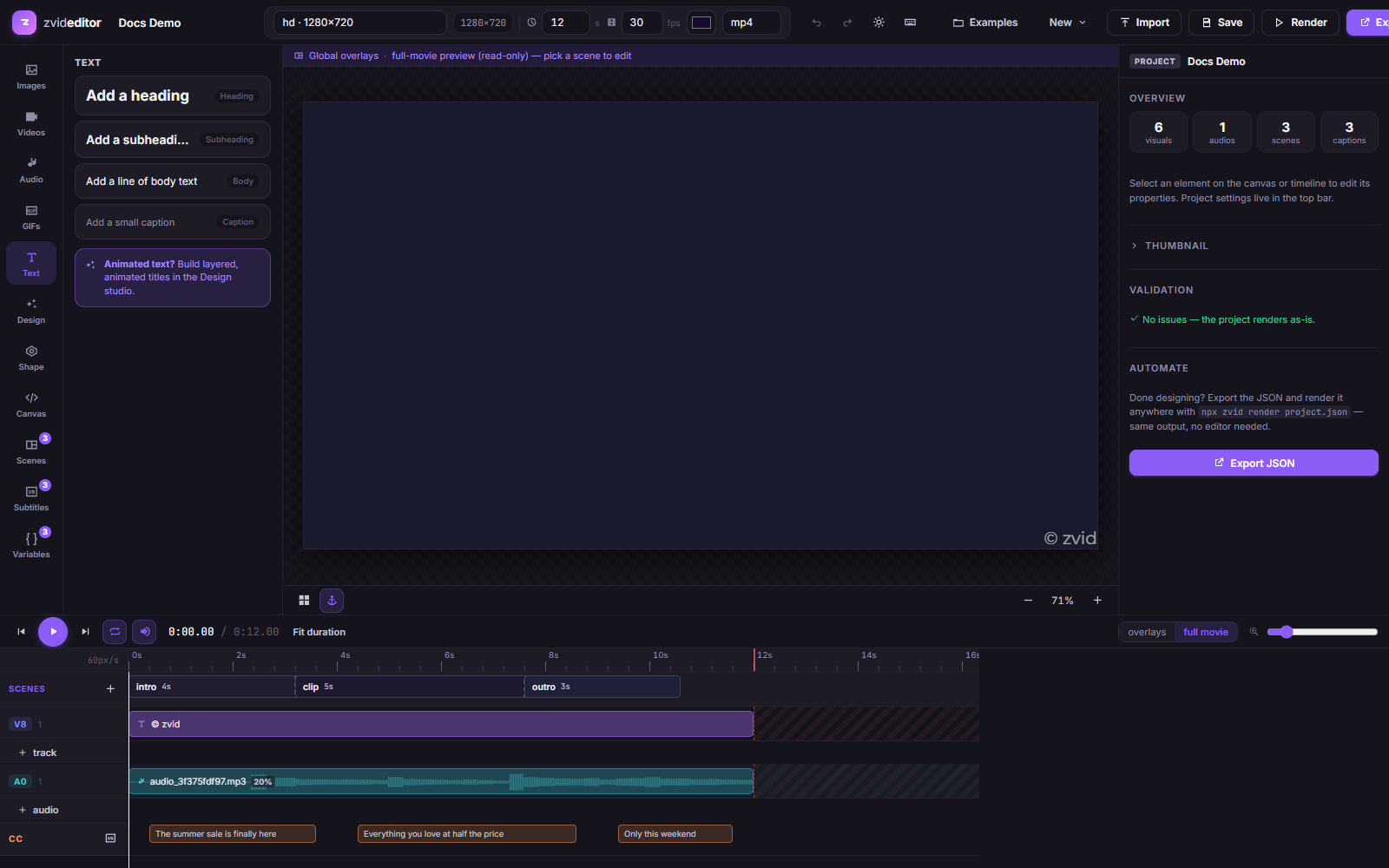
In the exported JSON these become plain TEXT elements — see
Text & HTML Elements.
Design Studio
Design Studio (the Design tab → New design, or Edit on a selected text element) is a focused designer for rich, animated text-and-graphics compositions:
- Layers — stack text, shape, and image layers.
- Fills — solid colors or angle-based gradients, plus shadows and outlines on text.
- Animations — 78 presets in four groups: Text entrance (typewriter, letter-pop, rise, blur-in, word-slide, …), Text loop (wave, glitch, neon, shimmer, …), Entrance (fade-in, zoom-in, bounce-in, flip-3d, iris-in, …), and Loop (float, pulse, ken-burns, heartbeat, …). Each preset exposes duration, delay, easing, direction, and — for split-text presets — a per-letter/word stagger.
- Placeholders —
{{variables}}work inside design text for template authoring.
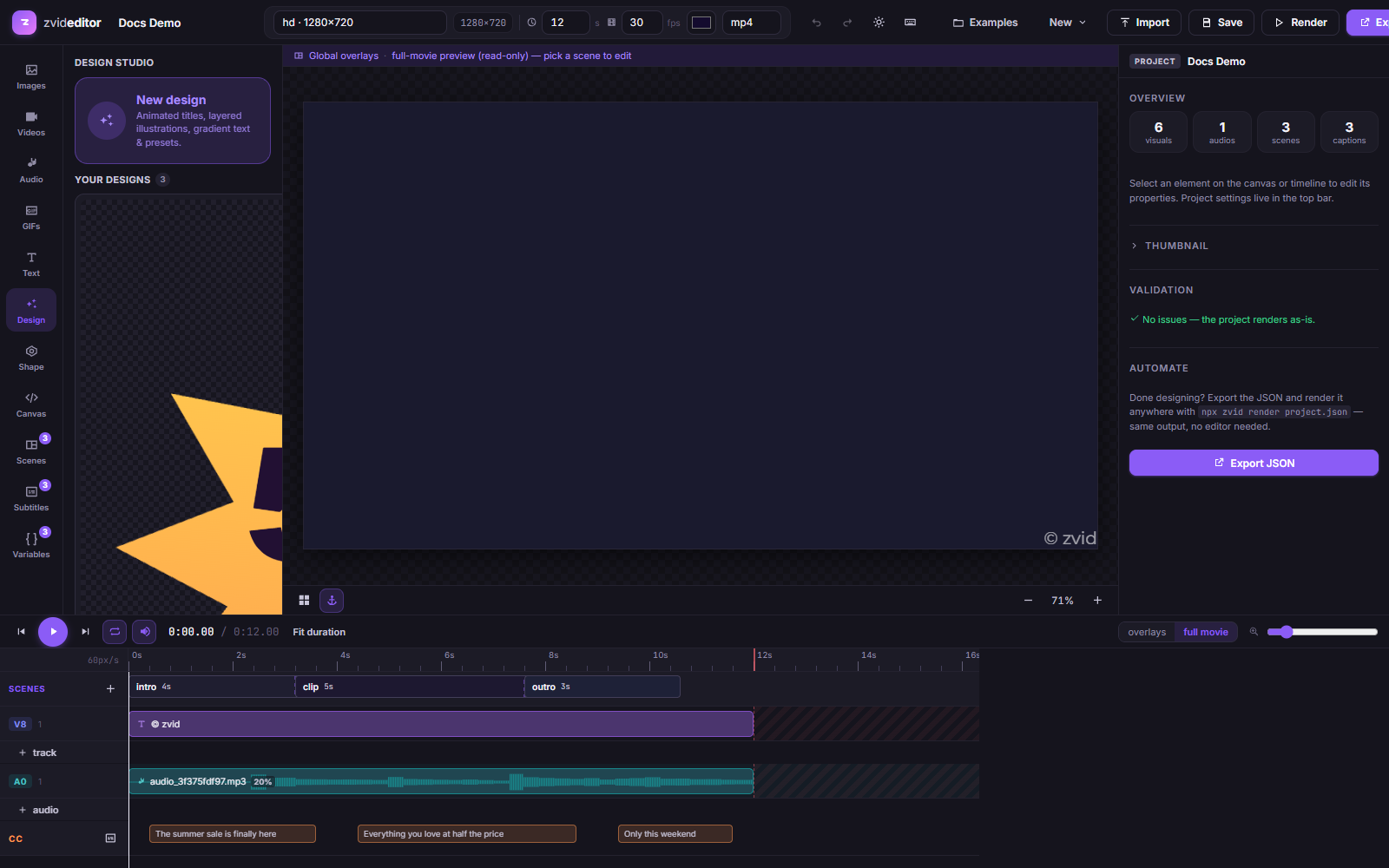
Design templates gallery
Start from one of 1,000 pre-built design templates — browse the gallery (hover a tile to play its animation preview), apply one, then customize every layer.
Saved designs
Applying a design saves it to your designs (the grid in the Design tab),
so your brand's lower-thirds and title cards are one click away in every
project. Designs round-trip losslessly: the element keeps a designer field
in its JSON, so it stays fully editable in Design Studio later — while
rendering exactly the same through the API.
Related
- Design templates in JSON —
what Design Studio compiles down to (
customCodeCSS/JS) - Variables & templates