Subtitles
The Subtitles tab manages word-timed captions with live preview on the stage — the same subtitle system the API renders.
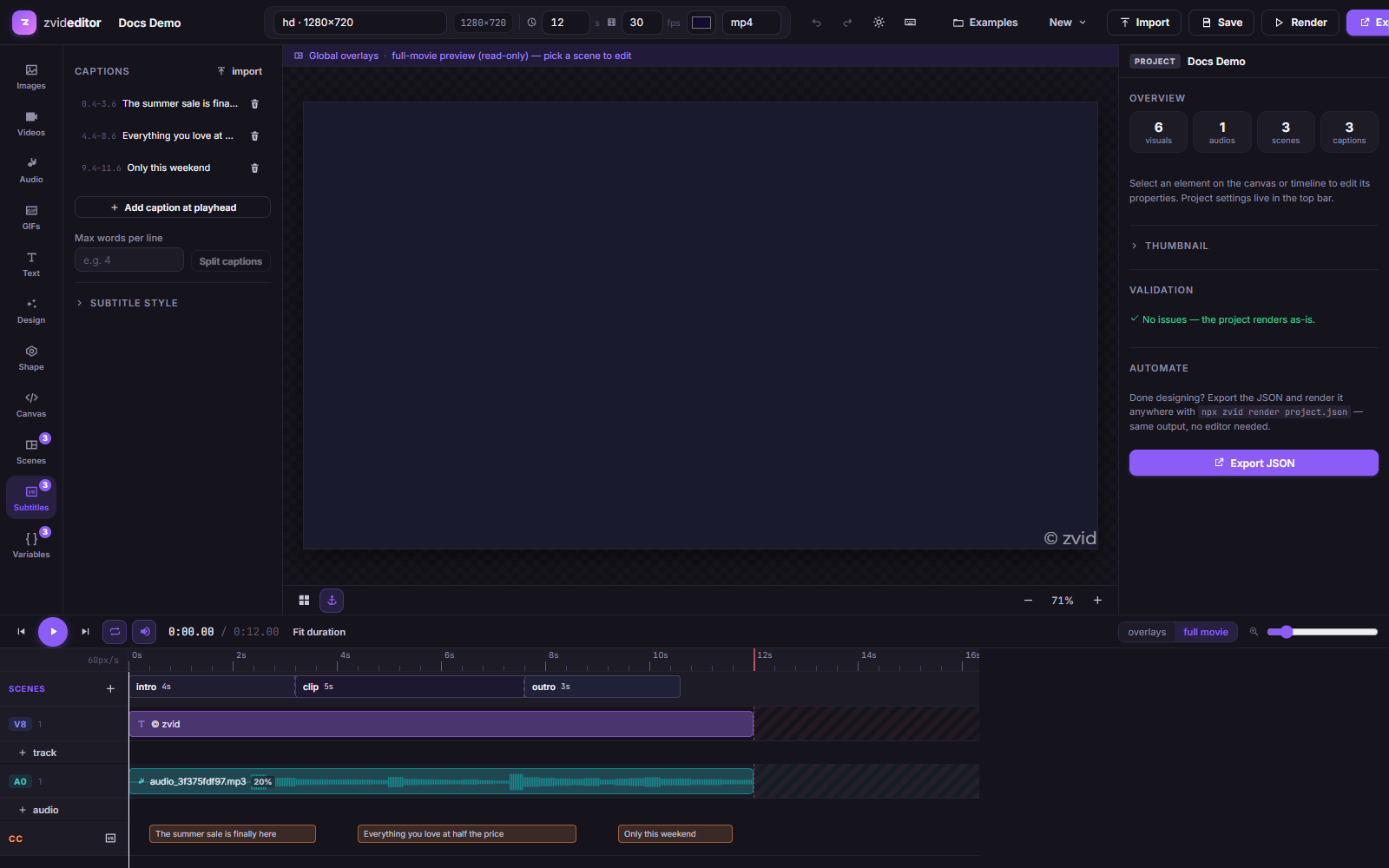
Getting captions in
- Import a file — SRT, VTT, ASS, or Whisper JSON. Word timings are parsed or distributed automatically.
- Load from URL — set a caption file
srcresolved at render time. - Add at playhead — write captions by hand as you scrub.
Editing
- Per-caption start / end / text fields, plus a word-level timing editor (text, start, end per word) for transcript-accurate karaoke.
- Split a caption at its midpoint, merge with next, delete.
- Even retime — redistribute word timings proportionally after edits.
- Max words per line — split long captions automatically, like Shotstack/Creatomate.
Styling & animation
Choose one of the 12 animation modes and watch it play on the stage — per-word color, scale, and fill effects update live:
bouncefadefillhighlightkaraokenormalone-wordpopprogressiveslidetypewriterStyling covers font (searchable Google Fonts), size, colors, active-word color/background, bold/italic, caption background (color, padding, radius), outline, 8 position anchors, margins, and text transform.
Everything maps 1:1 to the JSON subtitle object,
so a look you build here works verbatim through the API.