Shapes
The Shape tab is a vector shape library with 11 category chips — All, Basic, Text, Callouts, Backgrounds, Marketing, Charts, Frames, Motion, UI, Accents — plus search and infinite scroll.
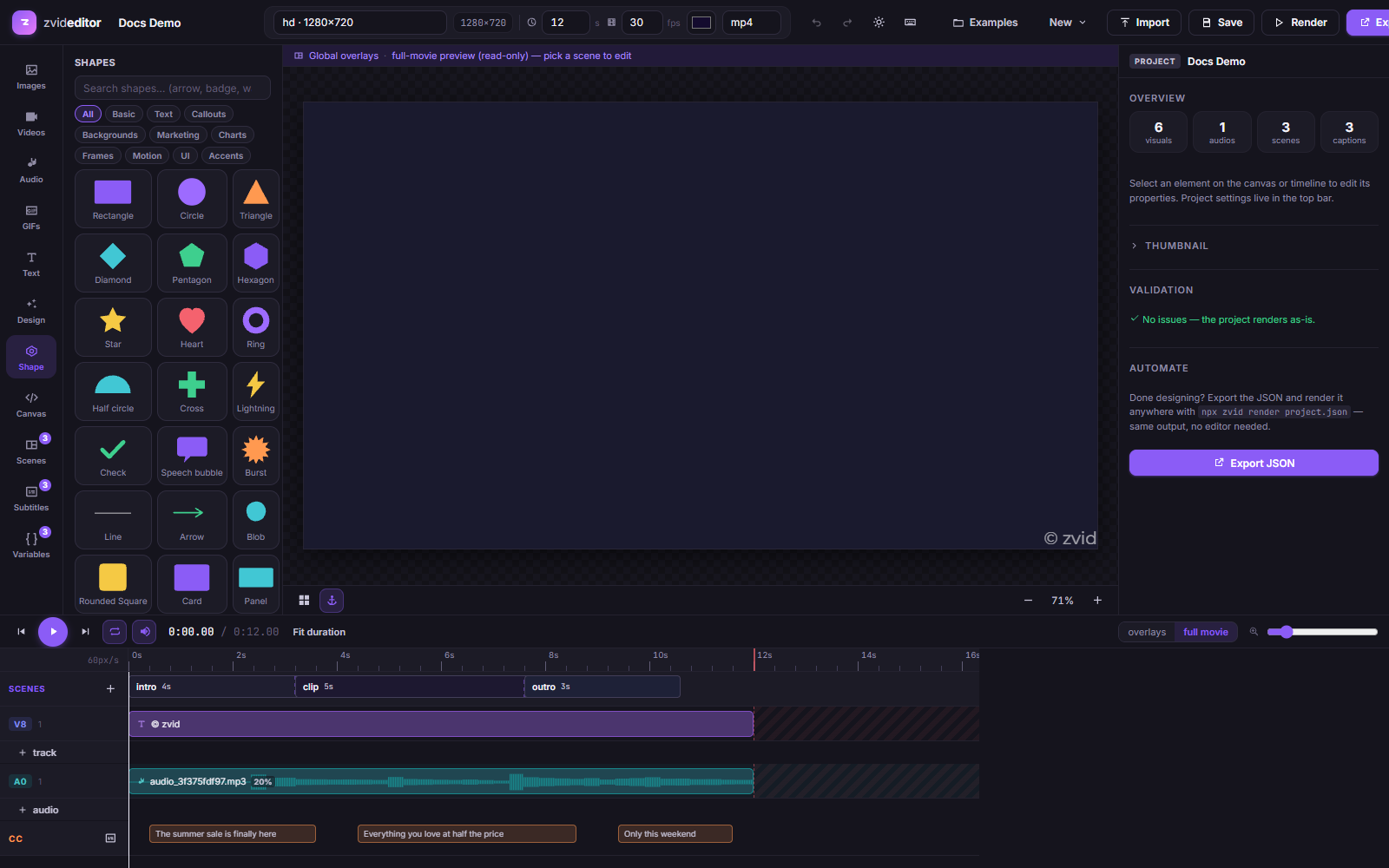
Click a shape to place it on the canvas. Selected shapes are edited in the inspector:
- Fill and stroke color / stroke width
- Raw SVG editor for full control over the markup
- The same filters, layout, rotation, opacity, and timing controls as any other element
Shapes export as SVG elements in the JSON — see
SVG Elements. For animated graphics, build
them in Design Studio instead, which compiles to
CSS-animated HTML elements.