Rendering & Export
Rendering in the editor
The top-bar Render button renders the current project in the cloud — same pipeline, same output as the API.
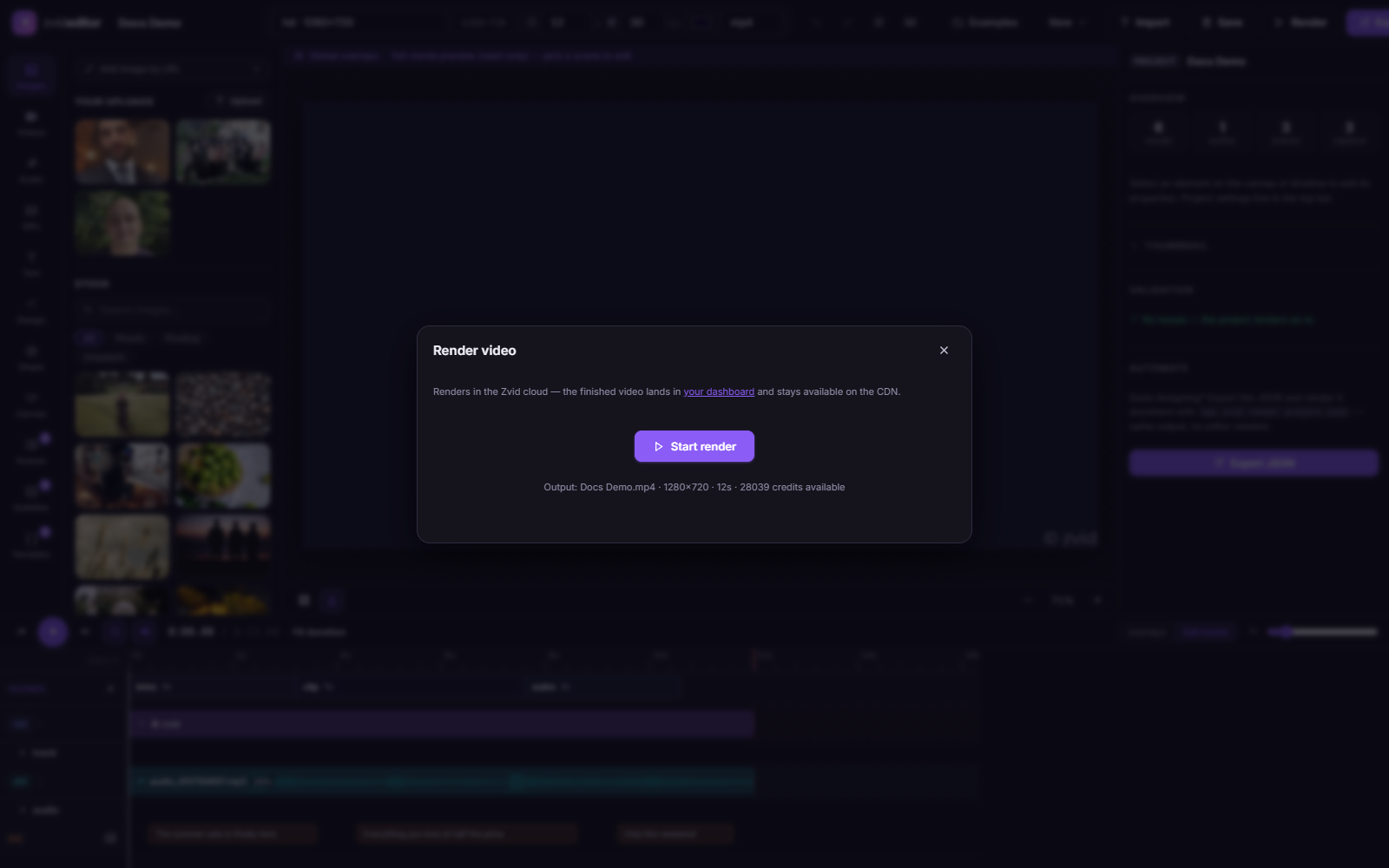
- Video projects — output format (mp4/mov/avi/webm and more), resolution, frame rate from the top bar.
- Image projects — PNG / JPG / WebP, a quality slider (JPG/WebP), and a transparent background toggle (PNG/WebP). See Rendering Images.
- Credits — the dialog shows the reserved credit cost up front; cancelled or failed renders refund automatically.
- Progress — live phase/percentage updates stream in while rendering; when done you get the CDN URL to play, download, or share.
Exporting the JSON
Export opens the payload behind your project:
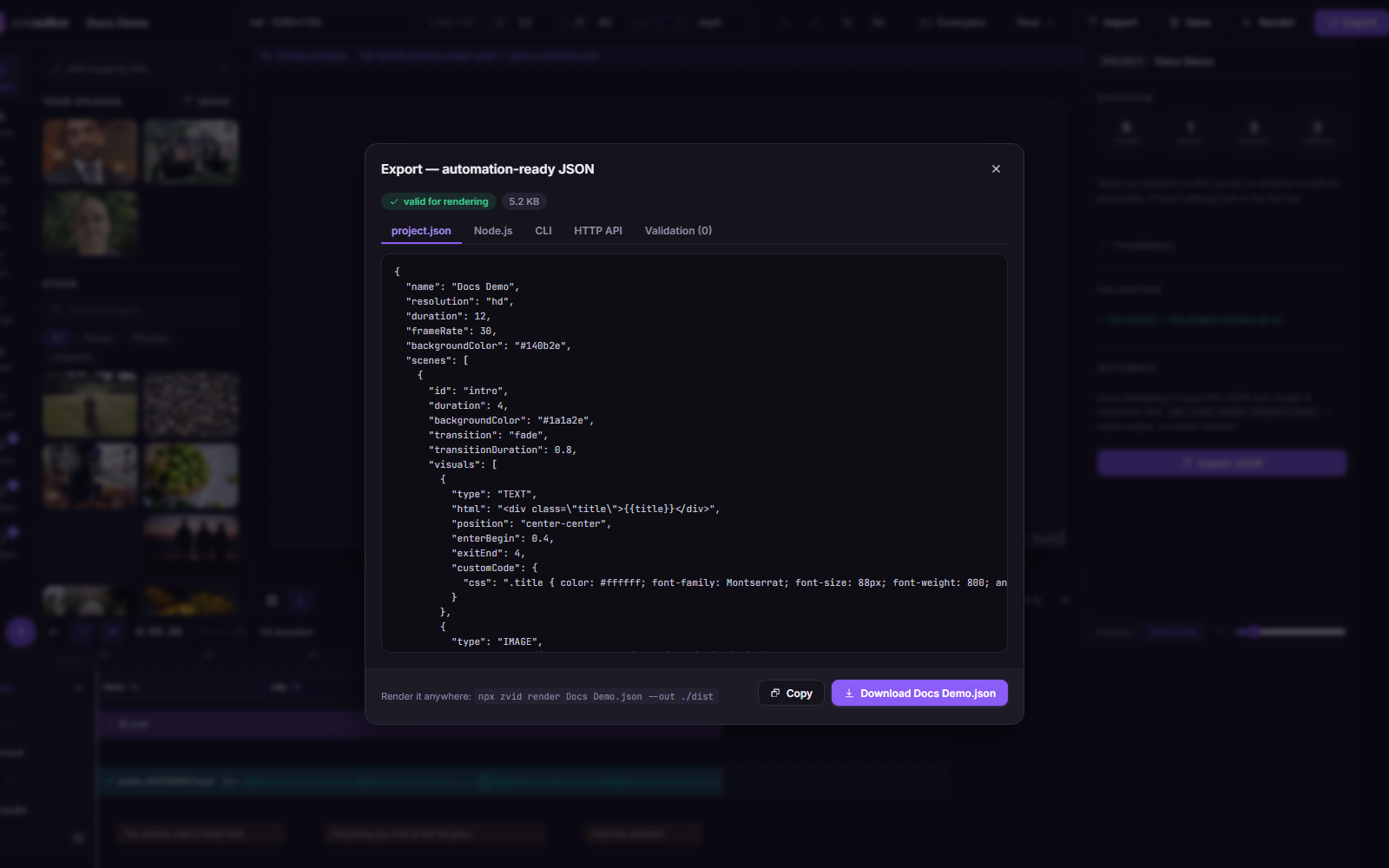
| Tab | Contents |
|---|---|
project.json | The raw payload — copy or download |
| Node.js | A ready-to-run render script using fetch |
| CLI | A one-liner render command |
| HTTP API | The raw fetch/curl request |
| Validation | Errors (would fail rendering) and warnings (may surprise you) |
The validation tab runs the same checks as the API, so an export that's clean here submits cleanly with your API key.
Save vs. render vs. export
- Save — cloud draft for later editing (Projects & saving).
- Save as template — a
tpl_…id for data-driven API renders. - Render — produce the video/image right now.
- Export — take the JSON into your codebase or pipeline.