Templates & Bulk Renders
Templates
The Templates page lists your stored templates — projects saved with Save as template in the editor or created via the API.
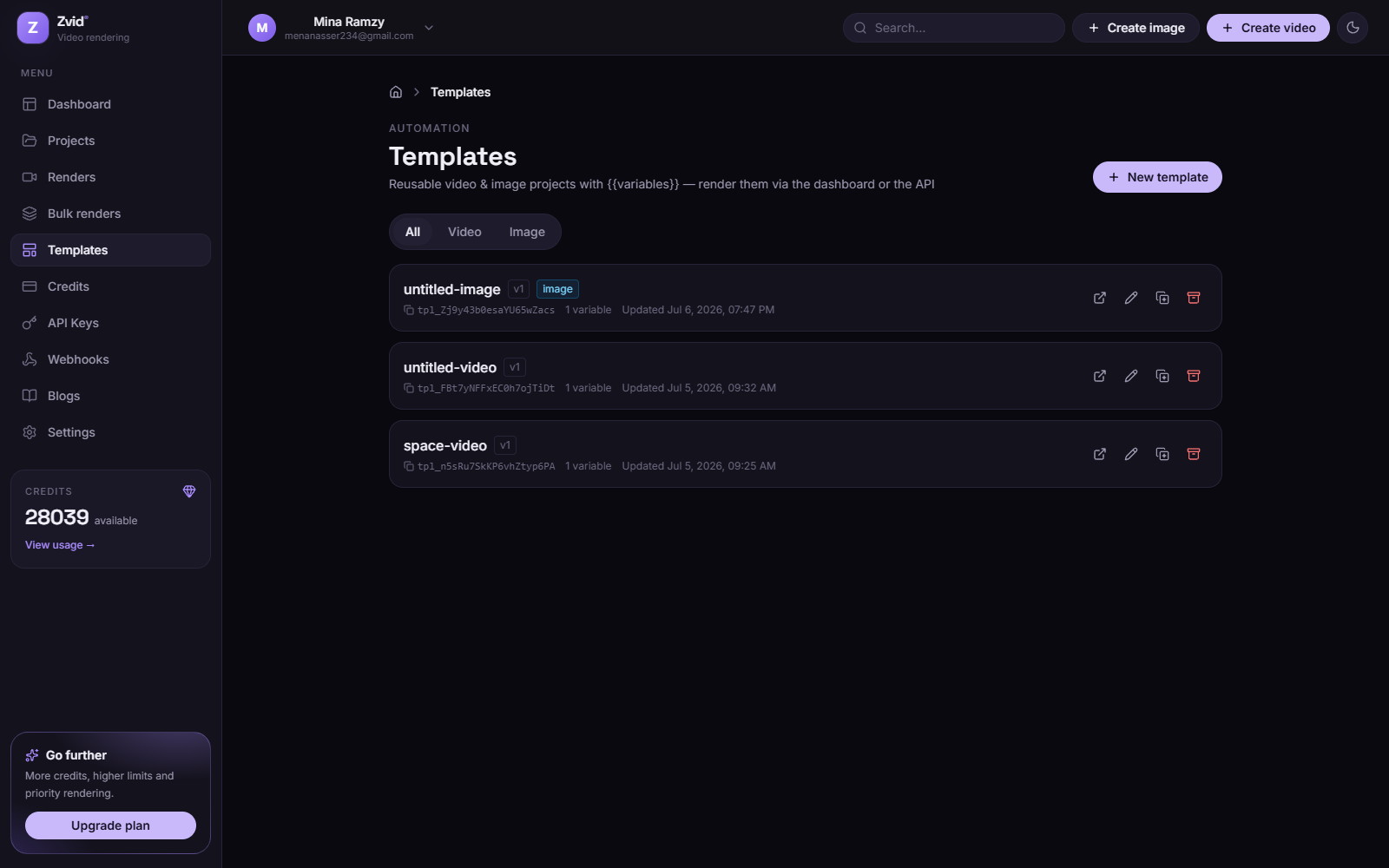
Each template shows its tpl_… id — the handle you pass to
POST /api/render/api-key
with per-render variables. From the detail page you can preview the template,
inspect its variables, duplicate it, or open it in the editor.
Bulk renders
The Bulk renders section manages template + many variable sets batches:
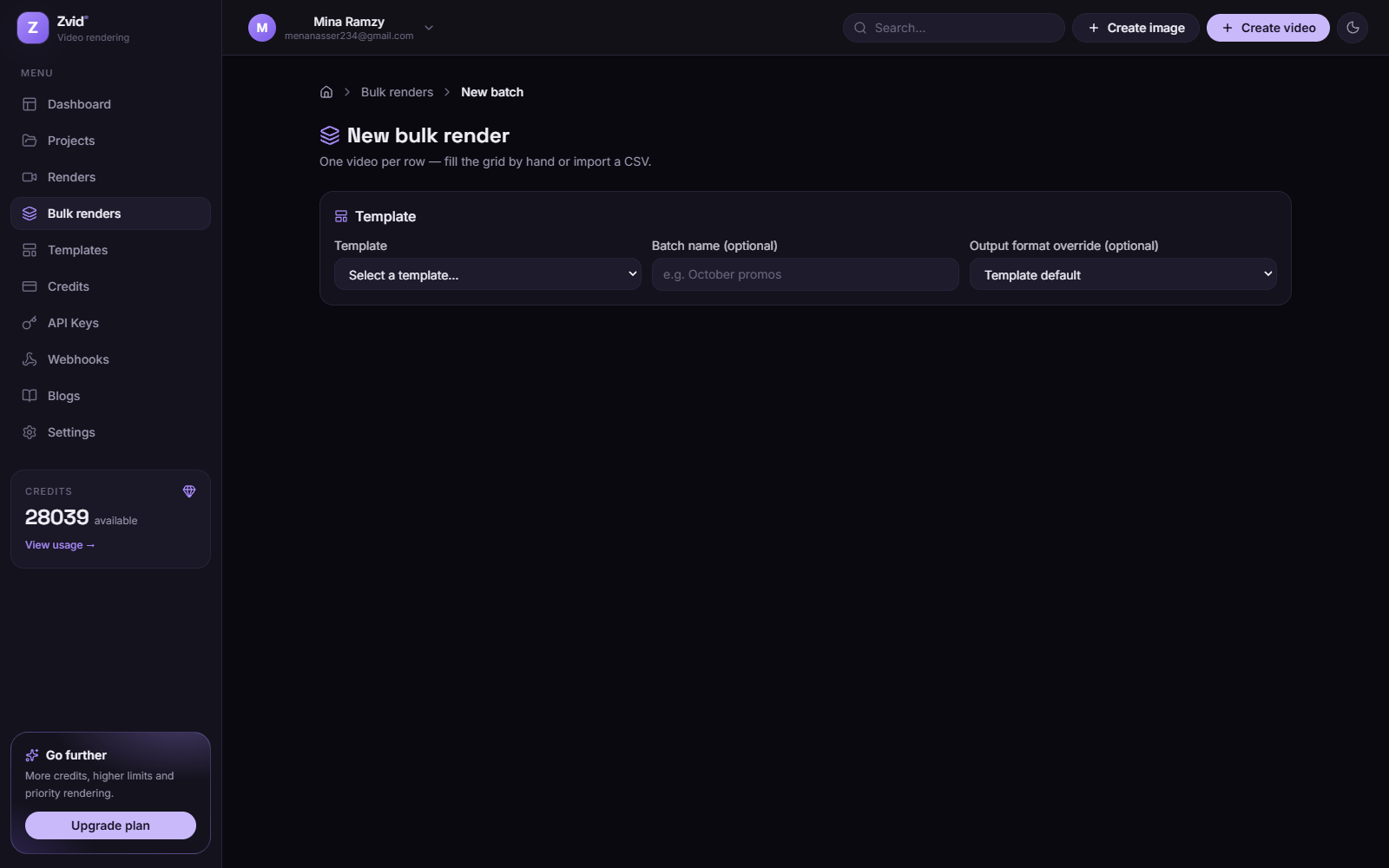
- New batch — choose a template, then add items manually or import a CSV (one column per variable, one row per output video).
- Validation is best-effort: rows that fail validation are listed with their errors; fix and resubmit just the failed rows without re-running the rest.
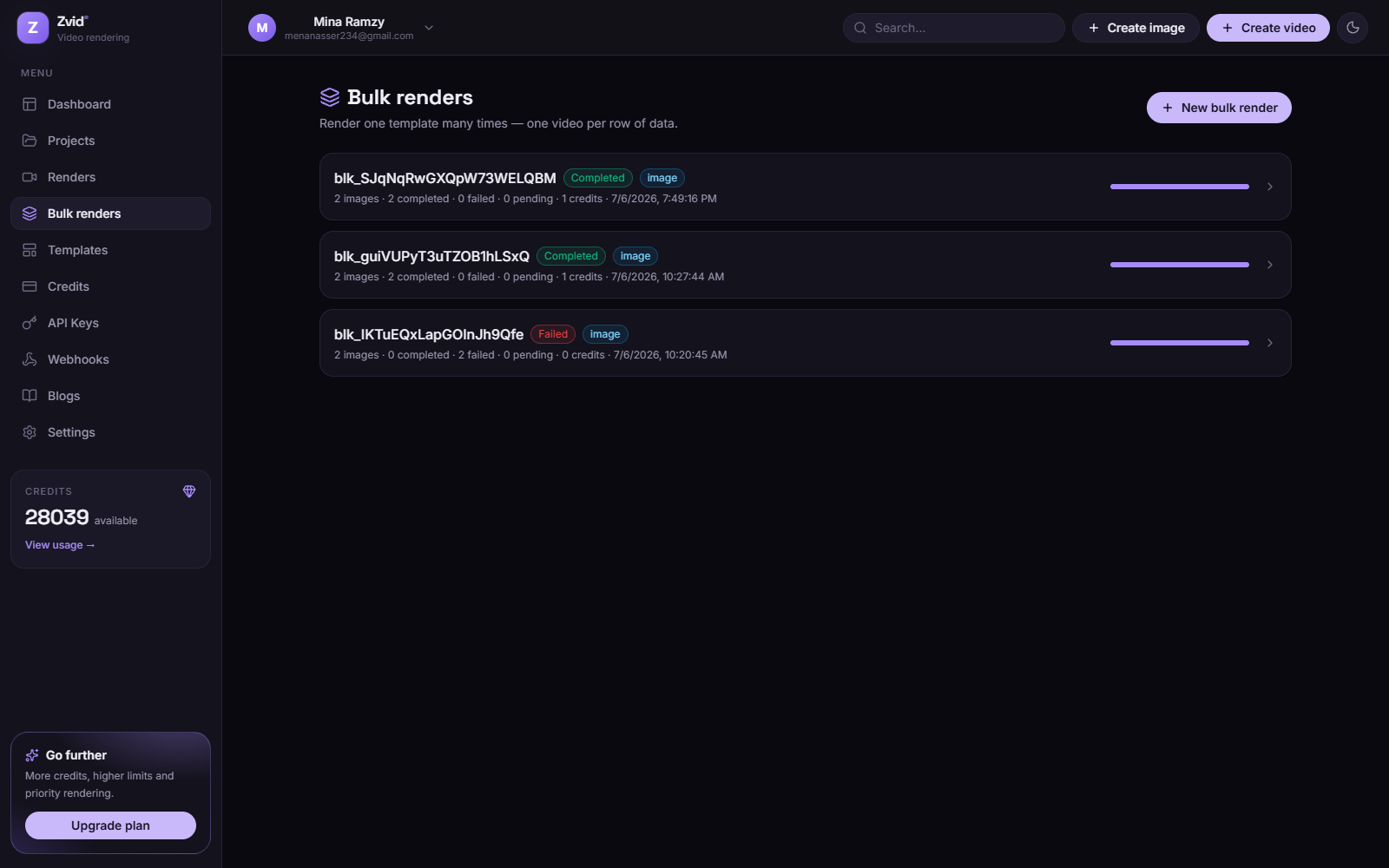
The batch detail page shows a grid of every item — status, output link, credits — and exports the results (including output URLs) back to CSV for downstream use.