Projects & Renders
Projects
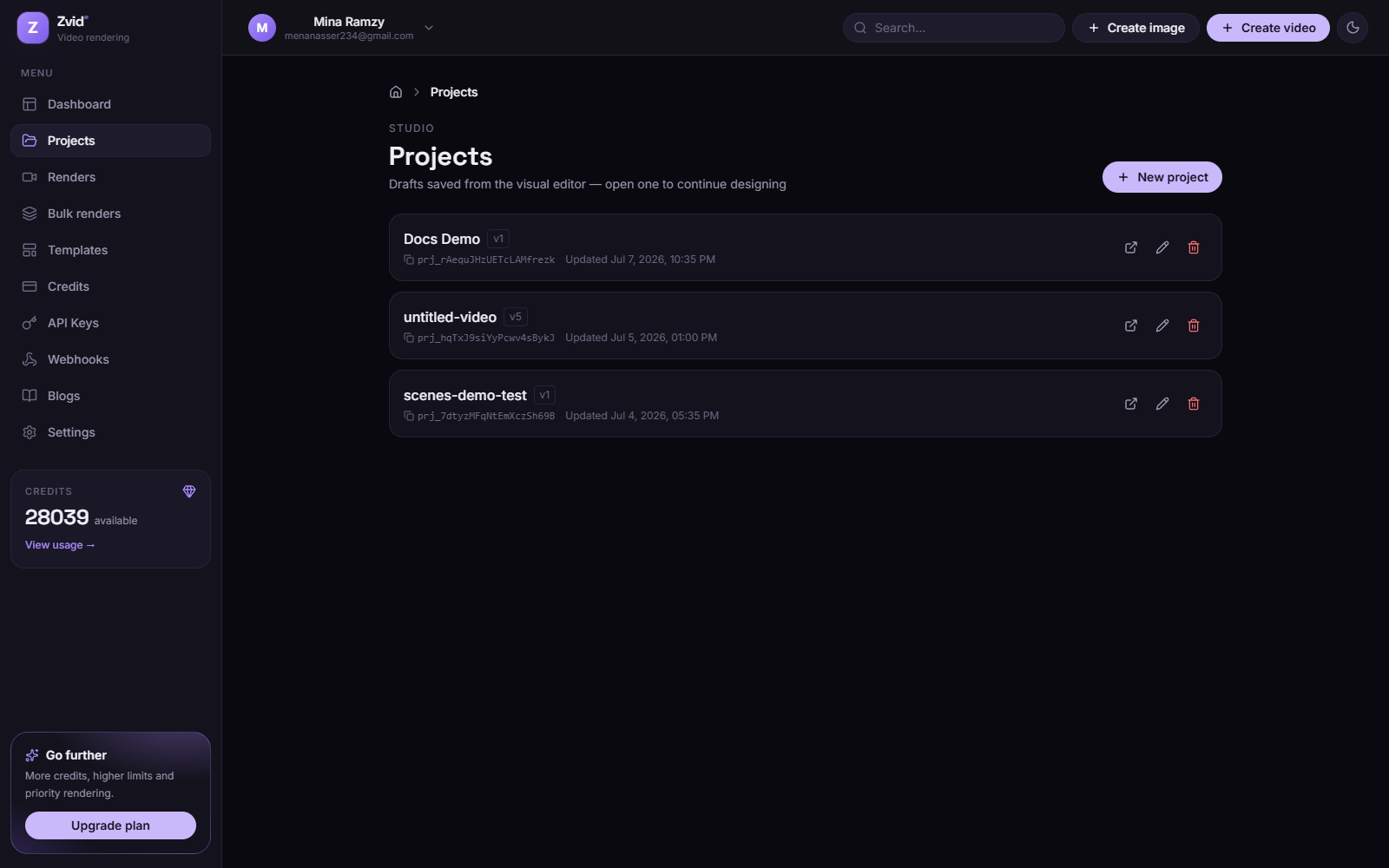
The Projects page lists your cloud drafts — everything saved from the
editor with Ctrl+S. Each card opens the project in
the editor via its deep link (?project=prj_…). Rename, duplicate, or delete
from here.
Renders
The Renders page is the history of every render job — from the editor, the API, or bulk batches:
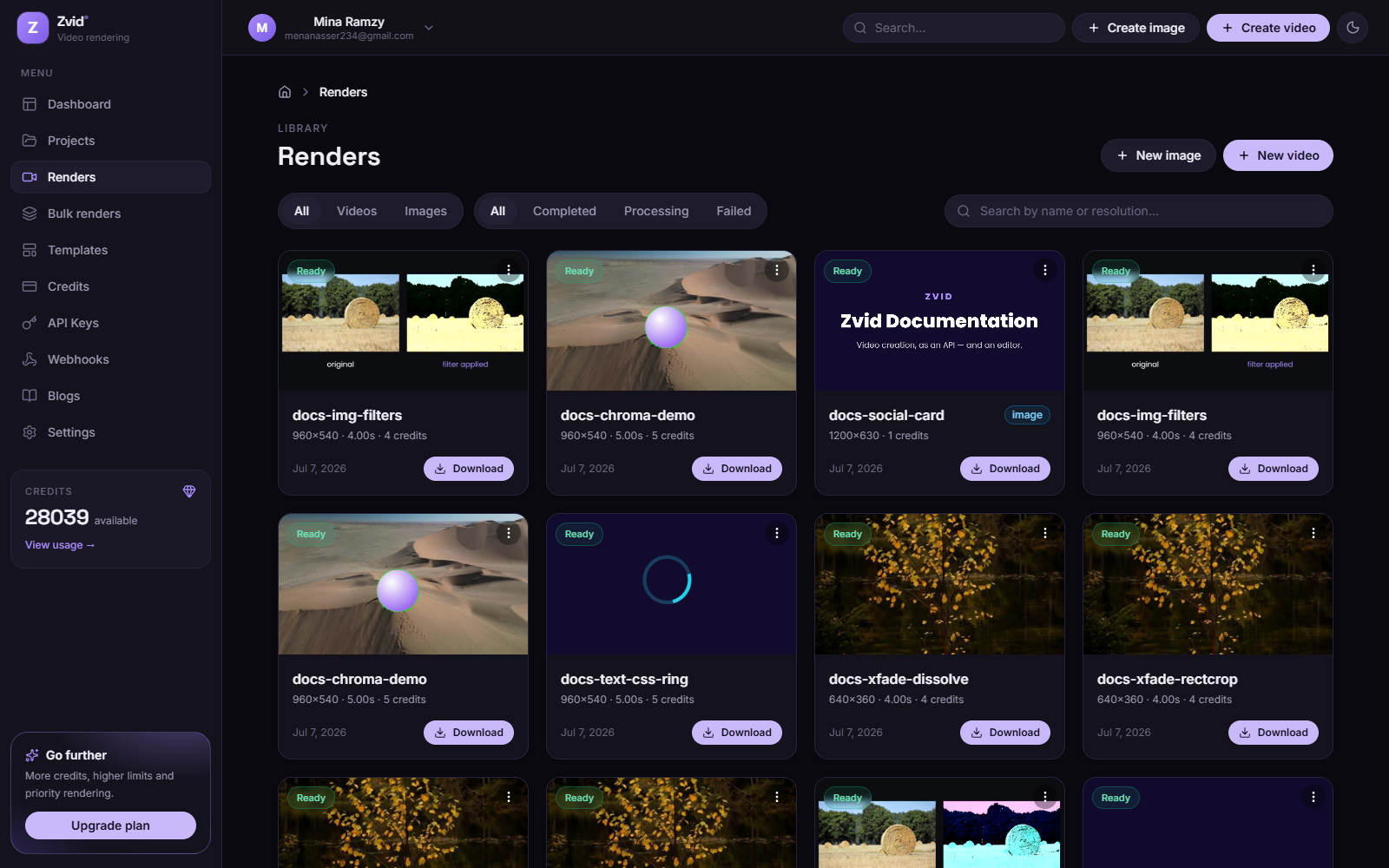
- Status — queued, rendering (with live progress), ready, or failed (with the failure reason).
- Playback & download — play the result inline, download it, or copy the CDN URL.
- Filter by type (video/image) and search by name.
The same data is available programmatically via
GET /api/jobs/{id} and pushed to your
services by webhooks.